
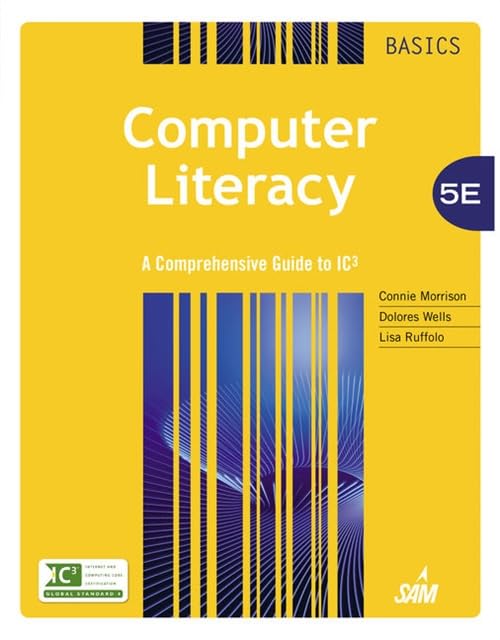
Computer literacy basics : a comprehensive guide to IC3 / Connie Morrison; Dolores J Wells; Lisa Ruffolo
Material type: TextPublication details: Stamford, CT, USA : Cengage Learning, 2015.Edition: 5Description: various pagingsISBN:
 - 9781285766584
- 004 Mo Co
| Item type | Current library | Call number | Status | Date due | Barcode | |
|---|---|---|---|---|---|---|
| Course Textbook | KCST Library | 004 Mo Co (Browse shelf(Opens below)) | Available | 1000001649 | ||
| Course Textbook | KCST Library | 004 Mo Co (Browse shelf(Opens below)) | Available | 1000001650 | ||
| Course Textbook | KCST Library | 004 Mo Co (Browse shelf(Opens below)) | Available | 1000000855 |
Browsing KCST Library shelves Close shelf browser (Hides shelf browser)


MODULE 1 Computing Fundamentals.LESSON 1: Computers and Operating Systems.LESSON 2: Software and Hardware Interaction.LESSON 3: Windows File Management.LESSON 4: Operating System Customization.LESSON 5: Computer Hardware.LESSON 6: Classifying and Evaluating Computers.LESSON 7: Software Management.LESSON 8: Software Usage.LESSON 9: Computer Troubleshooting.LESSON 10: Data and Hardware Protection.Computing Fundamentals IC3 Pretest.MODULE 2 KEY APPLICATIONS.LESSON 11: Exploring Microsoft Office 2013.LESSON 12: Getting Started with Word essentials.LESSON 13: Editing and Formatting Documents.LESSON 14: Sharing Documents.LESSON 15: Working with tables.LESSON 16: Enhancing Documents.LESSON 17: Working with Graphics.LESSON 18: Getting Started with Excel Essentials.LESSON 19: Organizing and Enhancing Worksheets.LESSON 20: Creating Formulas and Charting Data.LESSON 21: Getting Started with PowerPoint Essentials.LESSON 22: Enhancing Presentations with Multimedia Effects.LESSON 23: Getting Started with Access essentials.LESSON 24: Managing and Reporting Database Information.Key Applications IC3 Pretest.MODULE 3 LIVING ONLINE.LESSON 25: Network Fundamentals.LESSON 26: Communication Services.LESSON 27: Communications and Collaboration.LESSON 28: Using the Internet and the World Wide Web.LESSON 29: Web Content.LESSON 30: Technology and Society.LESSON 31: Computer Safety and Ethics.Living Online IC3 Pretest.APPENDIX A: Using Windows 7.APPENDIX B: A Comprehensive Guide to IC3.GLOSSARY.INDEX.
There are no comments on this title.